Meeting Watcher · free & open source
Never forget to record a client call again.
Meeting Watcher pops up Meetily the moment a Zoom or Teams call starts. No subscription. No bot in your call. Nothing leaves your computer.
Start here
Get the ten-minute setup guide
One email with the install line, the two permissions Meetily needs, and the fix for the one setting that trips most people. No newsletter.
Rather skip the email? Paste this into Terminal on your Mac:
curl -fsSL https://ihsanops.ai/meet.sh | bashInstalls Meeting Watcher and helps you get Meetily. Nothing else. Open source, so you can read every line of install.sh first.
Works on: any Mac on macOS 14.2 or newer. Windows 10/11 is a beta that has not been tested yet. Zoom and Microsoft Teams are detected; Google Meet in a browser is not yet.
How it works
Get the guide, or paste the command
The emailed guide carries the one-line install for Mac (Terminal) or Windows (PowerShell). It installs Meeting Watcher and gets you Meetily. About ten minutes, no password asked.
Allow Meetily its permissions
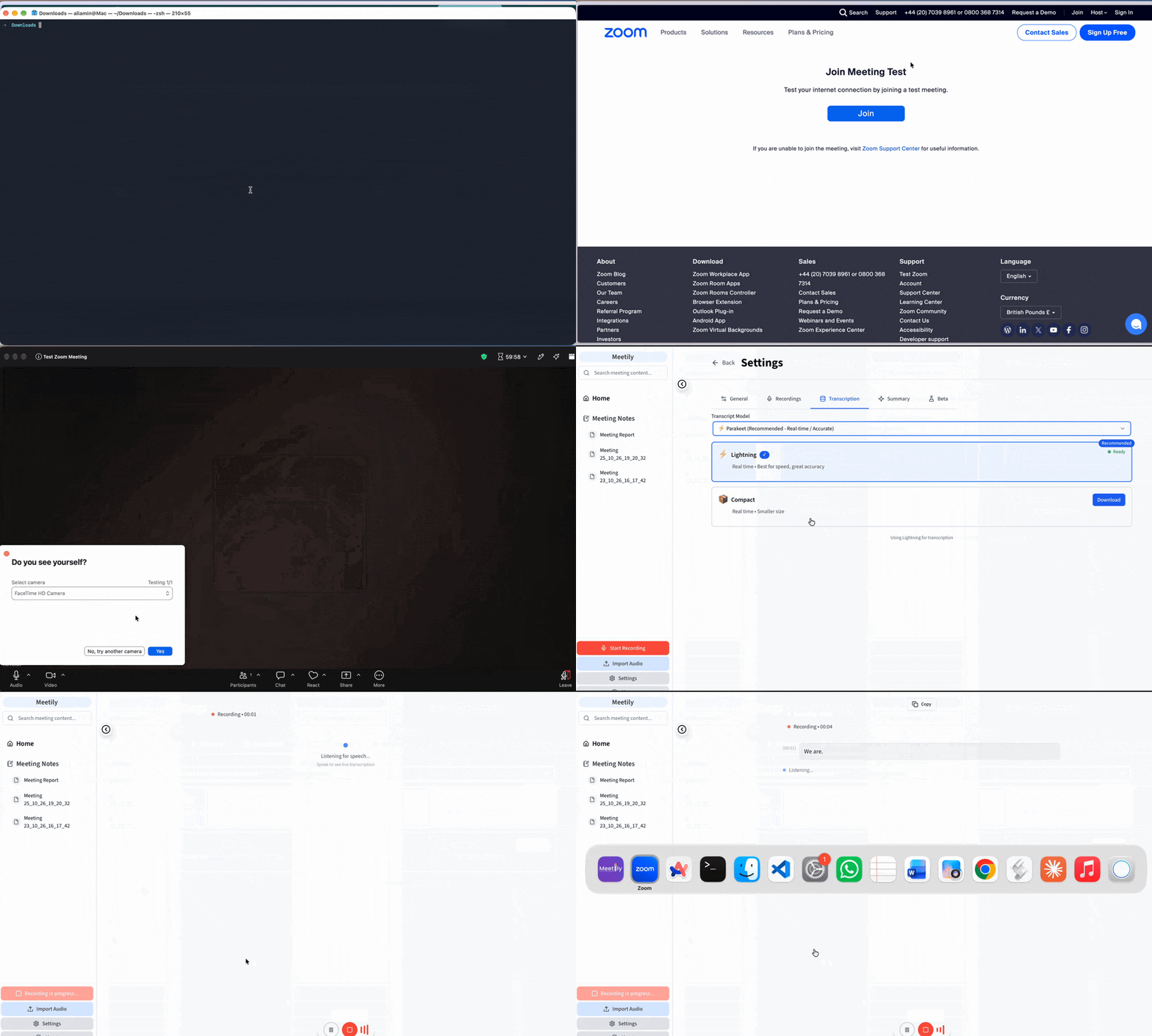
Microphone and screen audio, in System Settings. Pick Parakeet, or Whisper if your calls mix in another language.
Join a call
When Zoom or Teams takes the microphone, Meetily pops up. Click record for the calls you want to keep.
Want it set up for you?
The tool is free. If you would rather not touch Terminal, or you want the transcripts filed somewhere useful, pick an option below.
Quick Setup
£49
One-off, 30-minute remote session
- We install and test Meeting Watcher + Meetily on your Mac, set the permissions, run a test call, and show you where your transcripts are saved.
- Bonus: a quick look at where else admin is eating your time.
Secure payment by Stripe. You choose your 30-minute slot straight after paying.
Transcripts filed automatically
from £250
Setup plus a filing automation
- Everything in Quick Setup, plus an automation that sends every meeting transcript into your CRM, Notion or Google Drive, filed under the right client.
- Optional: action items pulled out by AI after each call.